Pick an app.
Assign a shortcut.
Select any application from Finder and give it a key combination. CMDKit handles the rest.
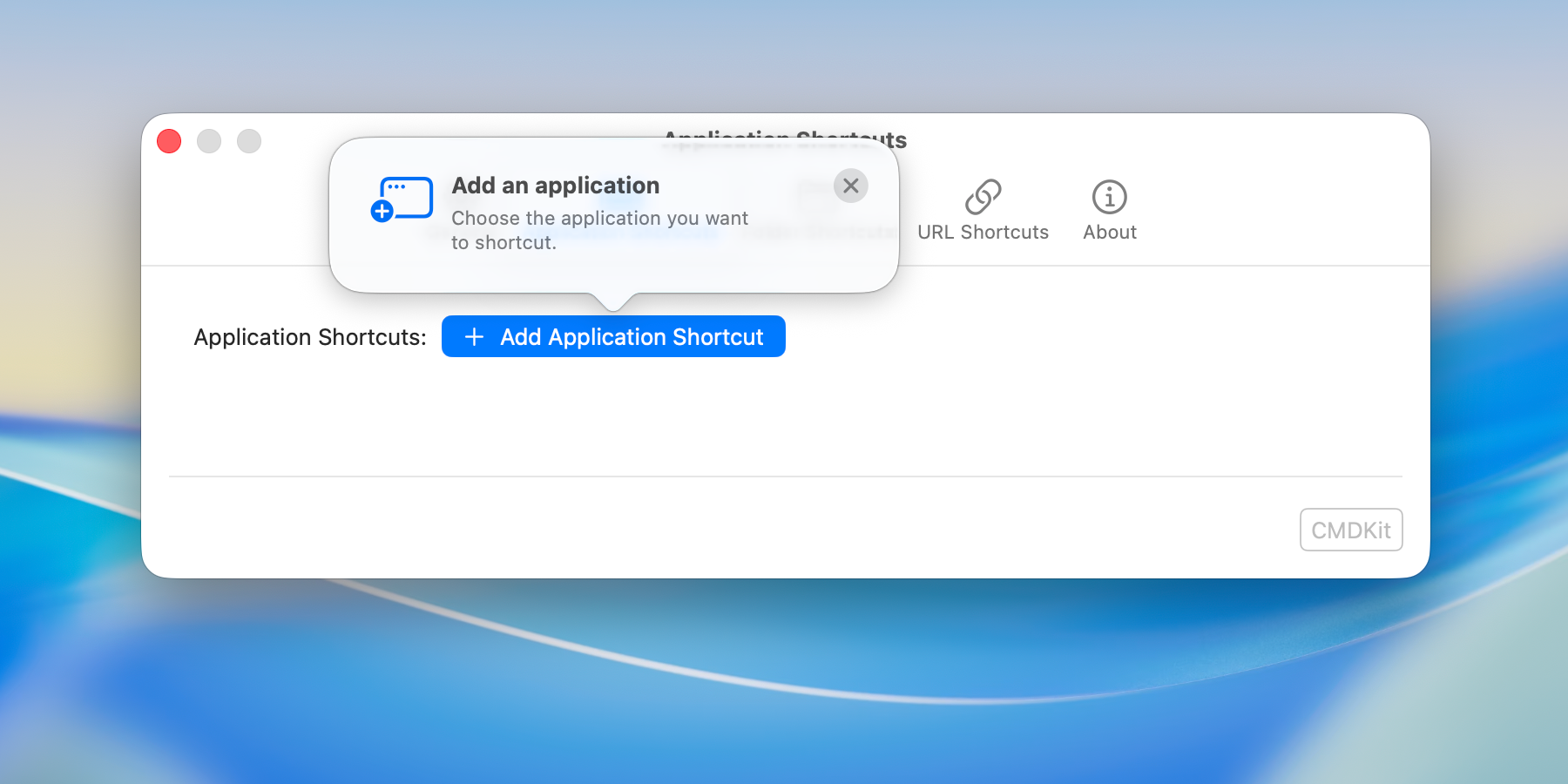
Global shortcuts for your apps, folders, and websites. CMDKit lives in your menu bar and keeps everything a keystroke away.
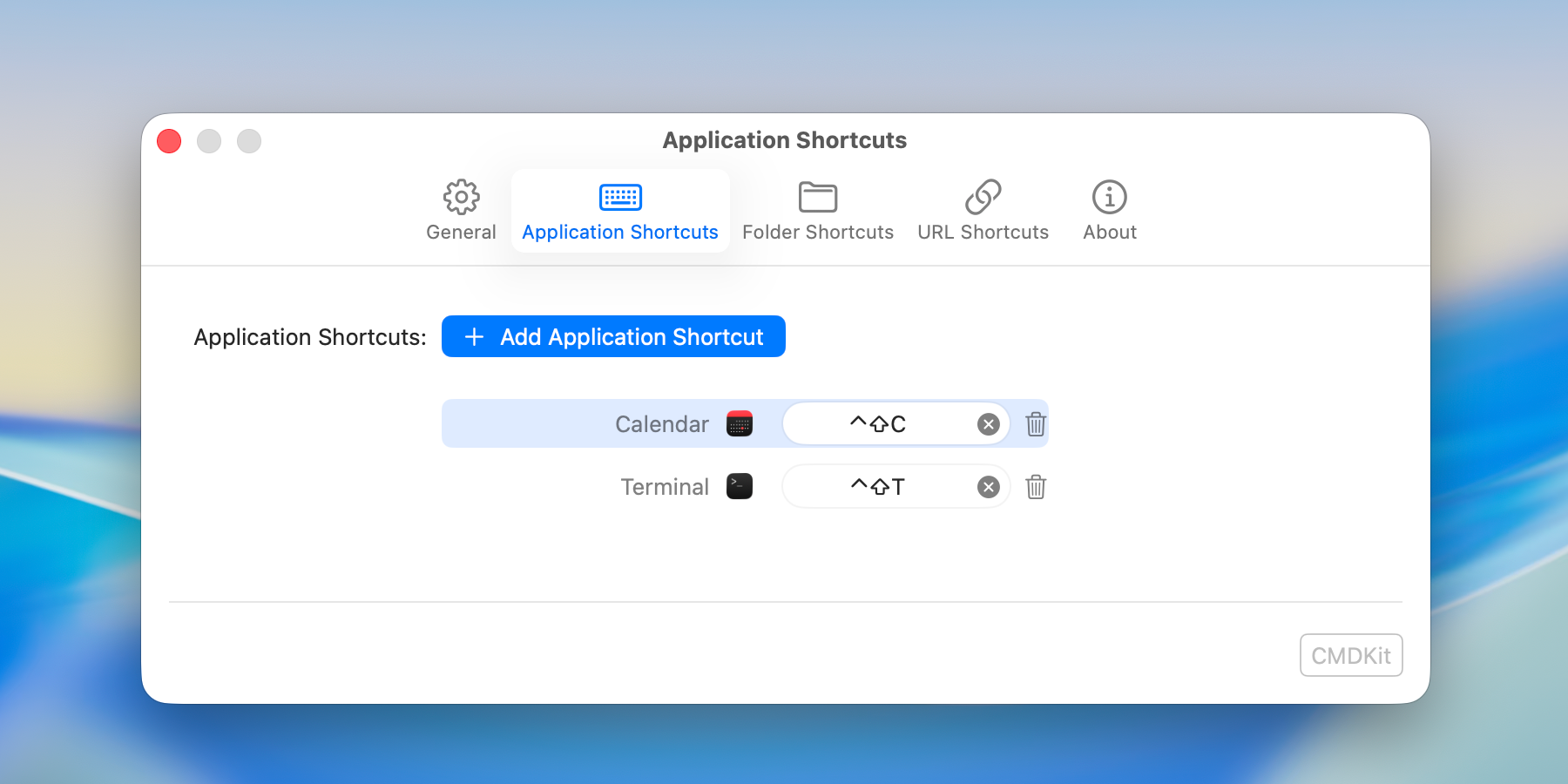

Select any application from Finder and give it a key combination. CMDKit handles the rest.
Press the keys you want. CMDKit registers them as a global shortcut that works from anywhere on your Mac.
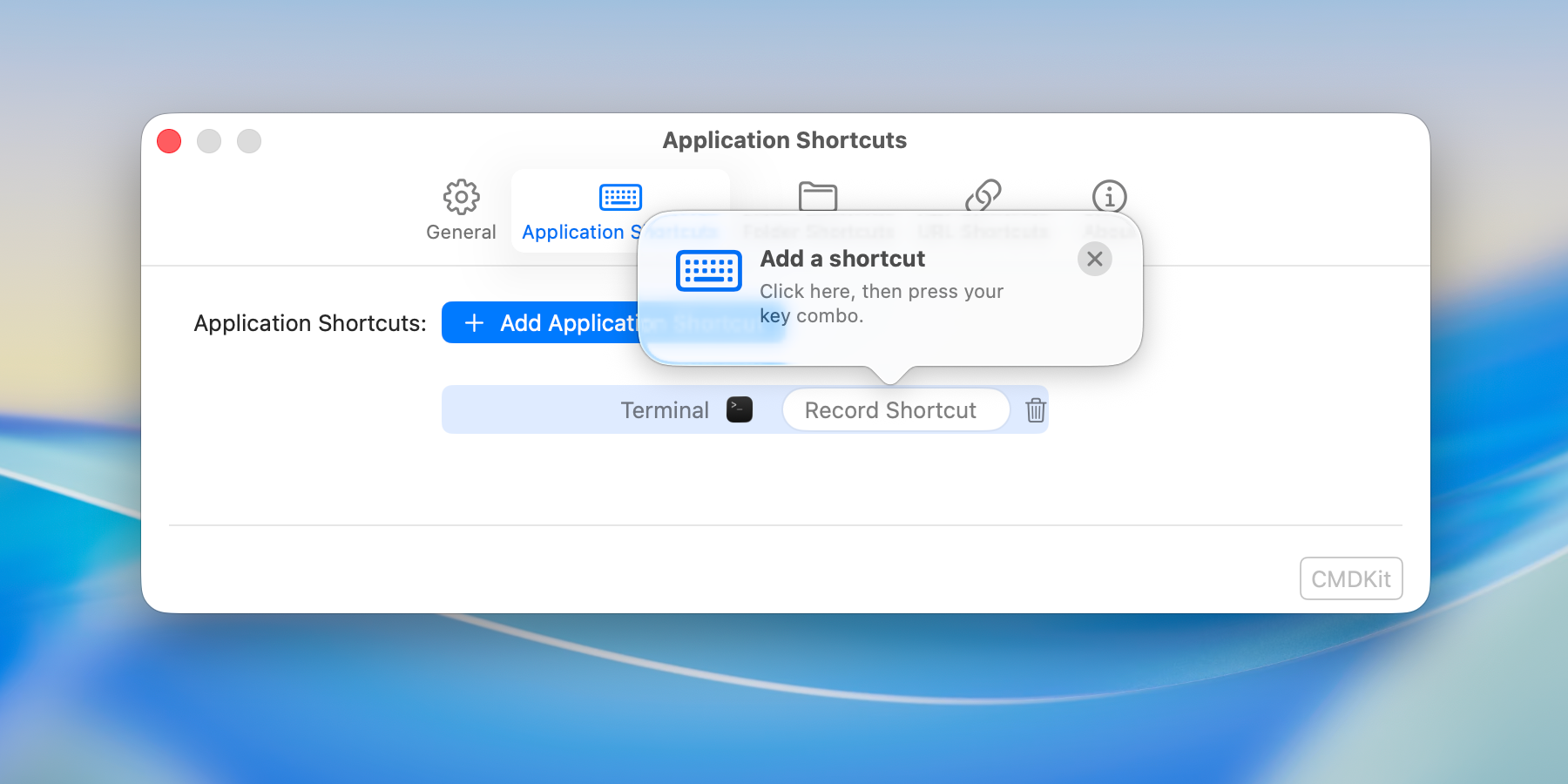
Get started with five configurable shortcuts at no cost. Upgrade to Pro for unlimited.
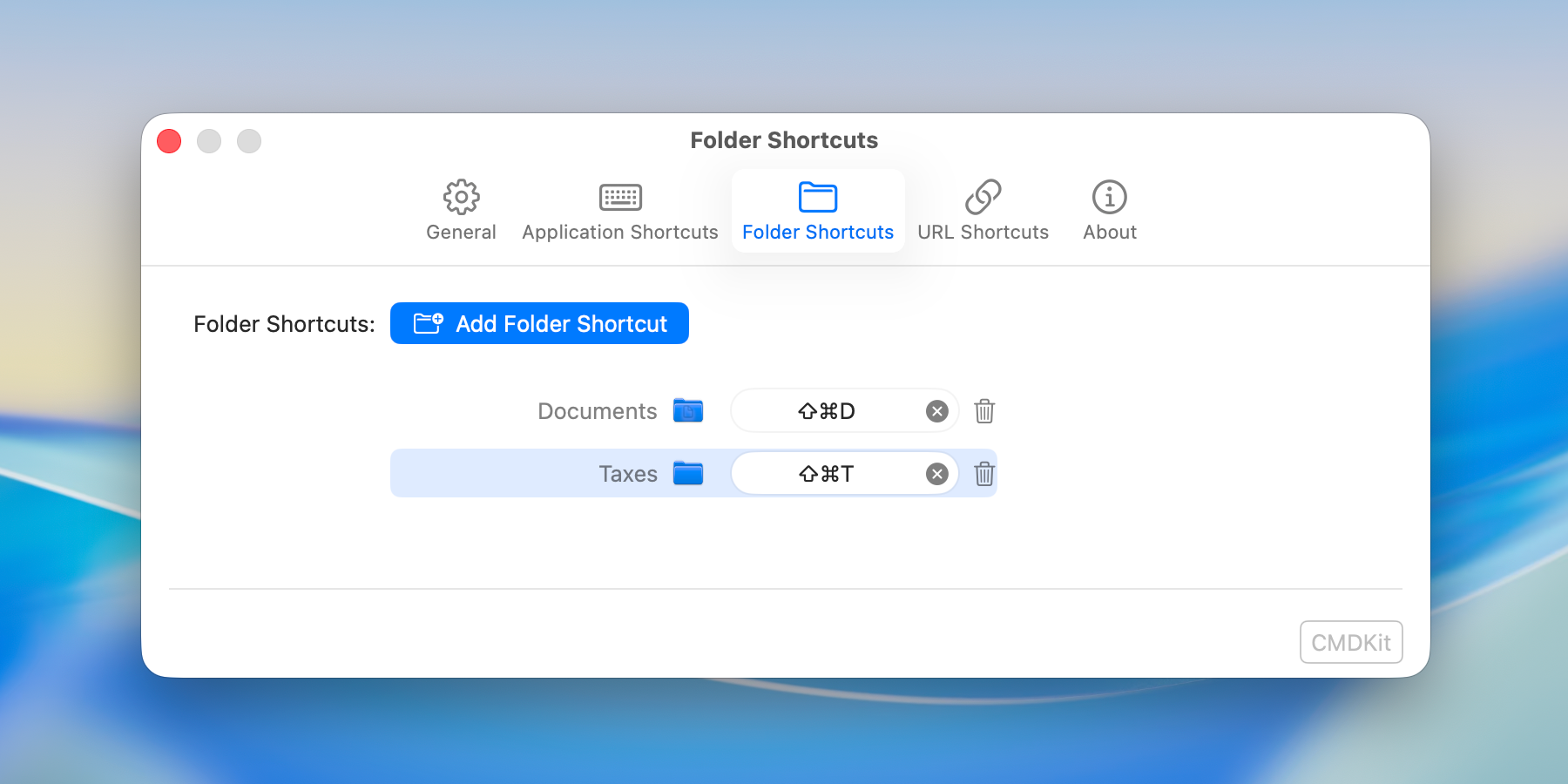
Create shortcuts that open any folder in Finder the moment you need it.
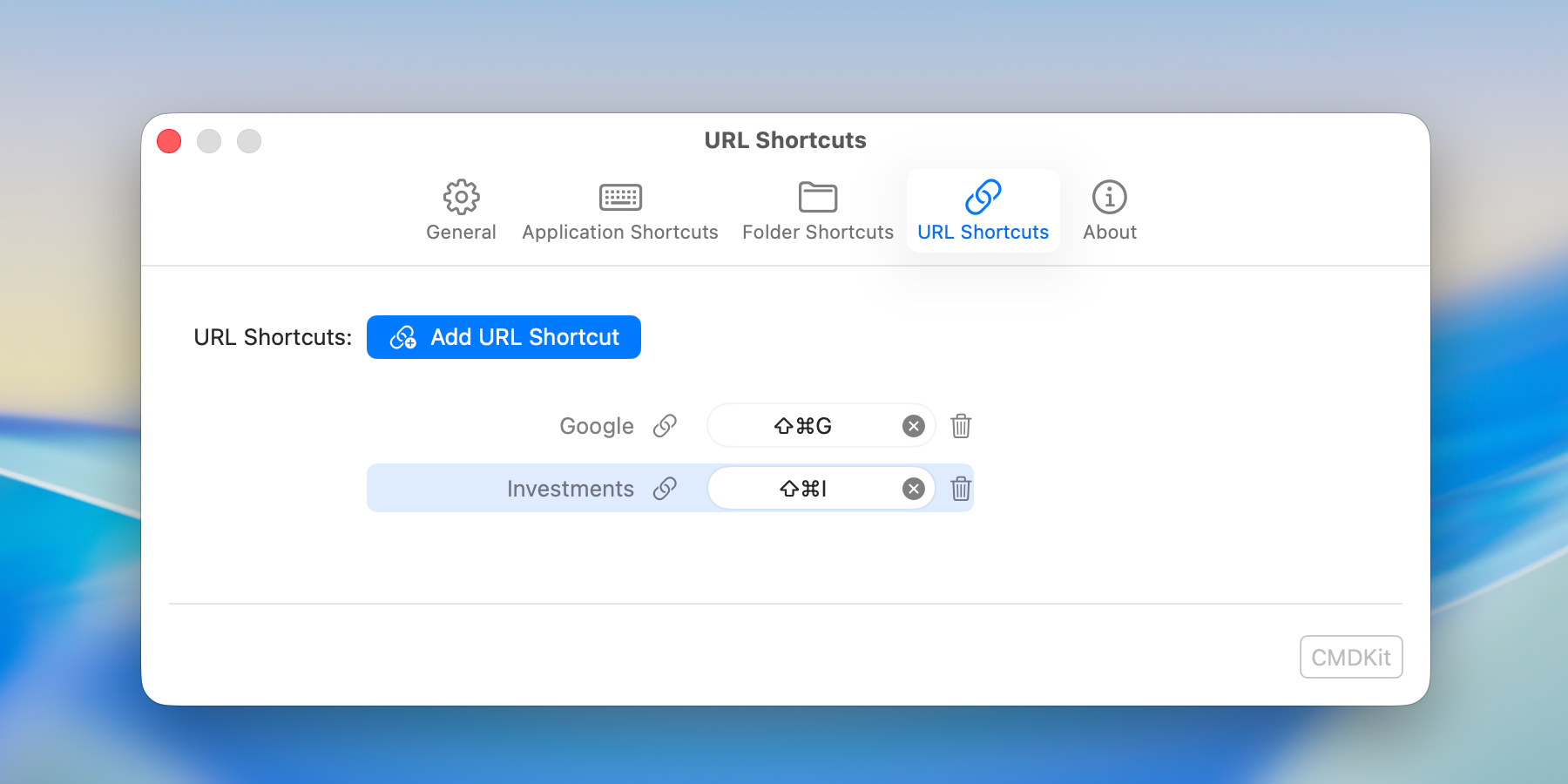
Open any URL in your default browser with a single shortcut.
Free on the Mac App Store. No account required.
